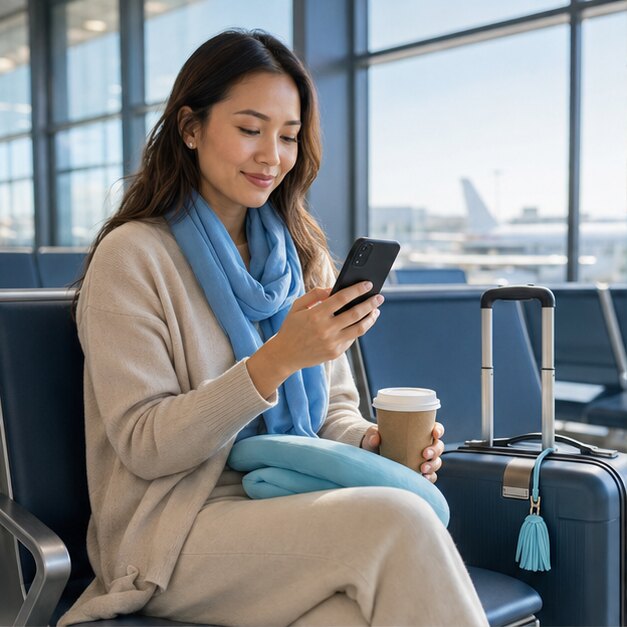
Good travel data should feel invisible: ready when you need directions, a booking code or a quick message. This guide helps you prepare the details before departure and use your connection with confidence on the road.
Why roaming bills still surprise travellers
Your home carrier may charge a daily roaming fee as soon as your regular SIM uses data abroad. Background refresh, cloud photo uploads and an app checking your location can all create traffic even when you are not actively browsing.
The simplest defence is to decide which line handles data before takeoff. Keep your primary SIM available for calls or one-time passcodes, then assign mobile data to a travel eSIM.
Set up your phone before departure
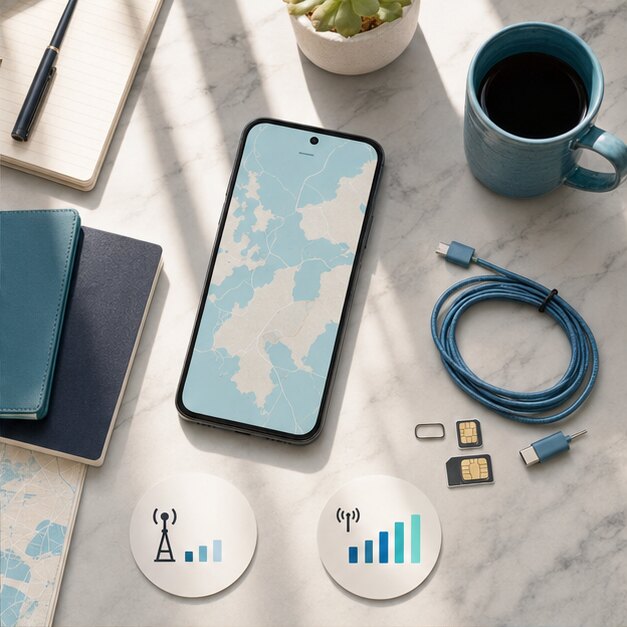
Install your SIMVIA eSIM on reliable Wi-Fi, label it clearly, and leave it switched off until you reach the covered destination. On your primary line, disable data roaming and automatic mobile-data switching.
- Download offline maps and essential booking confirmations
- Pause automatic app updates and cloud backups
- Confirm that your phone is unlocked and eSIM-compatible
- Save the SIMVIA installation email somewhere accessible offline
Use data intentionally after landing
Turn on the SIMVIA line, select it for cellular data and enable roaming on that line only. The travel plan begins when it first connects to a supported network, so you can prepare early without losing days of validity.
Use hotel Wi-Fi for large downloads, monitor usage in phone settings and lower video quality when travelling on a smaller allowance. Hotspot is useful, but laptops can consume data quickly through sync and system updates.
Keep your regular number without using its data
Dual-SIM phones can keep both lines active. Your primary number can remain available for incoming texts while SIMVIA supplies data. Carrier charges for calls and messages may still apply, so use internet messaging or Wi-Fi calling where your home provider supports it.
North America 10
A flexible starting point for trips across Canada, the USA and Mexico.
Frequently asked questions
Does airplane mode prevent roaming fees?+
Yes while it remains on, but it also blocks cellular service. A travel eSIM lets you use cellular data while keeping data roaming disabled on your primary line.
Should roaming be on for the SIMVIA line?+
Usually yes. Travel eSIMs often connect through roaming partners. Enable it only on SIMVIA and follow the instructions in your installation email.
Coverage, speeds and app availability depend on destination, device, partner network, local conditions and regulation. Check current plan details and device compatibility before purchase.
 DATA
DATA ASIA
ASIA