Good travel data should feel invisible: ready when you need directions, a booking code or a quick message. This guide helps you prepare the details before departure and use your connection with confidence on the road.
Confirm support and carrier unlock
Android manufacturers use different menu names, so look for SIM manager, Network & internet, Connections or Mobile network. The device must include eSIM support and be unlocked.
A visible Add eSIM or Download a SIM option is a useful sign, but your specific regional model and carrier policy still matter.
Download the SIMVIA profile
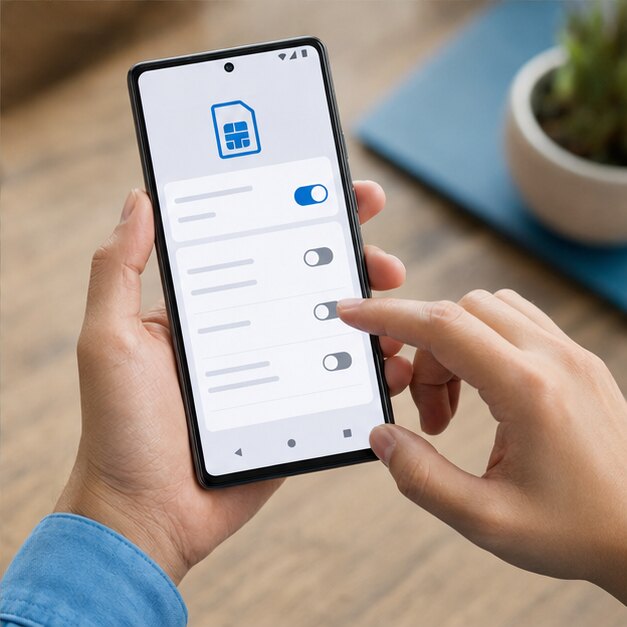
Connect to Wi-Fi, open the SIM settings and choose to add or download an eSIM. Scan the QR code in your order email, confirm the download and label the line SIMVIA Travel.
- Keep your home SIM selected for calls and SMS
- Select SIMVIA for mobile data after landing
- Disable automatic data switching
- Enable roaming on the SIMVIA line when instructed
Connect and test
At the destination, turn on the SIMVIA profile and allow it a few minutes to register. Open a simple webpage with Wi-Fi off to confirm cellular data is flowing.
If service is missing, toggle airplane mode, restart, and confirm that the access point name matches the installation instructions. Network selection should normally remain automatic.
Protect your existing line
Disable data roaming on the home SIM before travel. Some Android phones offer backup calling or automatic switching; leave those features off unless you understand how your carrier bills them.
Asia 5
Straightforward regional data for a light trip across Asia.
Frequently asked questions
Why can’t I see Add eSIM?+
Your phone model, regional variant or carrier firmware may not support it. Check the exact model with the manufacturer or carrier.
Should network selection be automatic?+
Usually yes. Manual selection is best reserved for troubleshooting with SIMVIA support instructions.
Coverage, speeds and app availability depend on destination, device, partner network, local conditions and regulation. Check current plan details and device compatibility before purchase.
 2SIM
2SIM TH
TH