
Good travel data should feel invisible: ready when you need directions, a booking code or a quick message. This guide helps you prepare the details before departure and use your connection with confidence on the road.
What shared data actually means
Each traveller installs an independent data-only eSIM, while usage comes from one shared allowance. People can separate during the day without depending on one person’s hotspot.
A shared pool works best when the group agrees on basic data habits before departure.
Assign and label every eSIM
Match each QR code with one phone and record the assignment. Install on Wi-Fi, label the line SIMVIA plus the traveller’s name, and keep the setup emails available offline.
- Confirm every phone is unlocked
- Turn primary-line roaming off
- Test one device at a time after arrival
- Do not delete an eSIM during troubleshooting
Make 100 GB last comfortably
A large allowance can still disappear through video autoplay, laptop updates and cloud backup. Use Wi-Fi for large transfers and check the pool during the trip, especially after hotspot sessions.
Create a family connection plan
Agree on a messaging app, meeting point and check-in schedule. Give younger travellers a screenshot explaining which line to toggle. Connectivity supports a plan; it does not replace one.
Family Share 100
One checkout and one shared pool for a more coordinated trip.
Frequently asked questions
Does everyone need the same phone brand?+
No. Each unlocked, eSIM-compatible device can install its assigned profile.
Can one person use most of the data?+
Usage comes from the shared pool, so monitor the total and agree on fair-use habits within the group.
Coverage, speeds and app availability depend on destination, device, partner network, local conditions and regulation. Check current plan details and device compatibility before purchase.
 WORK
WORK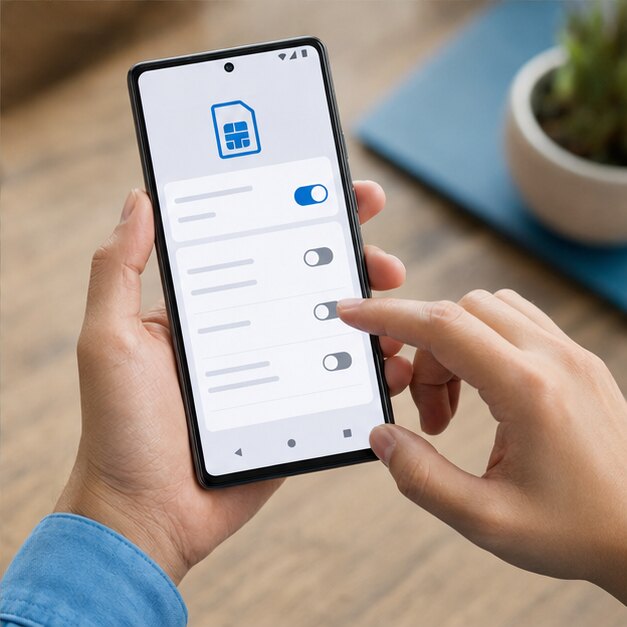 DROID
DROID