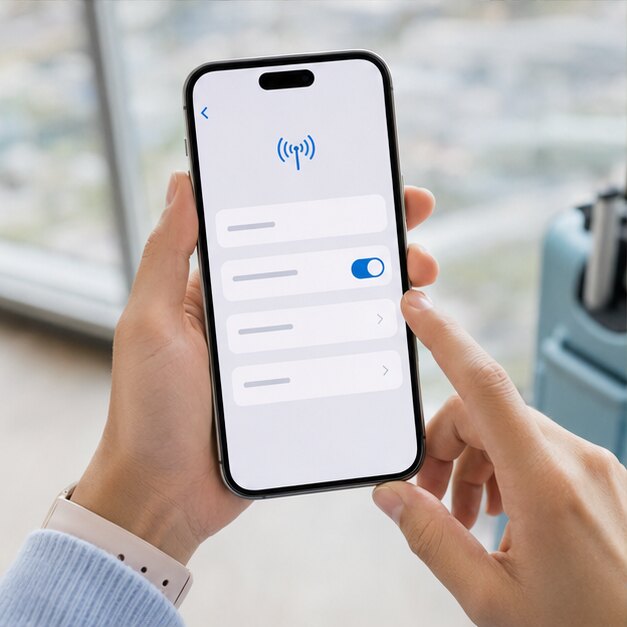
Good travel data should feel invisible: ready when you need directions, a booking code or a quick message. This guide helps you prepare the details before departure and use your connection with confidence on the road.
Check the essentials first
Your iPhone needs to support eSIM and be unlocked for use with another carrier. Menu names can vary by iOS version and region, but the process generally begins in Settings under Cellular or Mobile Service.
Connect to stable Wi-Fi, keep the QR code open on another screen, and make sure the phone has enough battery to finish setup.
Add the SIMVIA plan
Open Settings, choose Cellular or Mobile Service, then select Add eSIM. Scan the QR code from your SIMVIA email and follow the prompts. If scanning is unavailable, use the manual activation details provided with the order.
- Label the new line “SIMVIA Travel”
- Keep your primary line as the default voice line
- Choose SIMVIA for cellular data when you arrive
- Leave Allow Cellular Data Switching off to prevent accidental roaming
Activate at your destination
You can install before departure and keep the line off. After landing, switch on SIMVIA, select it for cellular data and enable data roaming for that line. Wait a few minutes for a supported local network to appear.
If it does not connect, toggle airplane mode, restart the phone and verify the correct line is selected. Avoid deleting the eSIM while troubleshooting because the QR code may not be reusable.
Keep iMessage working
Your existing phone number can remain selected for iMessage and FaceTime while SIMVIA provides data. If iOS asks whether to change those services during setup, keep the familiar number unless you have a specific reason to switch.
Europe 5
A low-cost way to try travel eSIM on your next European city break.
Frequently asked questions
Can I install the eSIM before my trip?+
Yes. Install on Wi-Fi and keep the SIMVIA line off until arrival. Validity begins on first supported-network connection.
Can I reuse the QR code?+
Do not assume so. Avoid deleting the installed eSIM; contact SIMVIA support if a reinstall is required.
Coverage, speeds and app availability depend on destination, device, partner network, local conditions and regulation. Check current plan details and device compatibility before purchase.
 DROID
DROID KR
KR